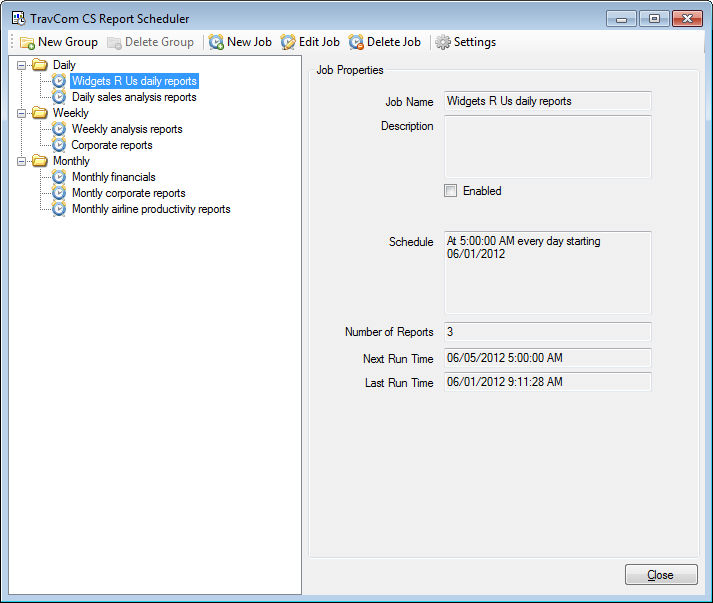
The TravCom Report Scheduler is an automated report distribution system for your TravCom CS custom reports. Batches of reports, called Jobs, can be scheduled to run at regular intervals automatically without any user interaction. The reports can be printed to a printer, exported to a number of formats, or emailed to a single or several recipients.
Jobs are created using the TravCom Report Scheduler program. This is an easy to use and intuitive interface which allows you to create any number of jobs. These jobs can be organized into Groups which you can use to help categorize your jobs, such as jobs you run daily, jobs you run weekly, and jobs you run monthly. The TravCom Report Scheduler program allows you to add reports to each job, setting the output for the report and parameters, if any, for the report to run by. Then each job can be set to run on it's own schedule, such as daily at a certain time, weekly on every Monday morning, or monthly on the 1st of each month.
After jobs have been created they are executed using the TravCom Report Scheduler Service. The service is a program that is always running in the background and constantly monitoring the schedule for each job. When a job is due to be executed the service will run each report in the job and send it to the assigned destination (i.e. printer, file, email). Once all reports within the job have been completed the job is then rescheduled for the next execution time. Since the TravCom Report Scheduler Service runs as a Windows Service it is not necessary for a user to be currently logged in to the computer. However, it is necessary for the computer to be turned on. Any jobs that are scheduled to run when the computer is off will run automatically as soon as the computer is turned back on.
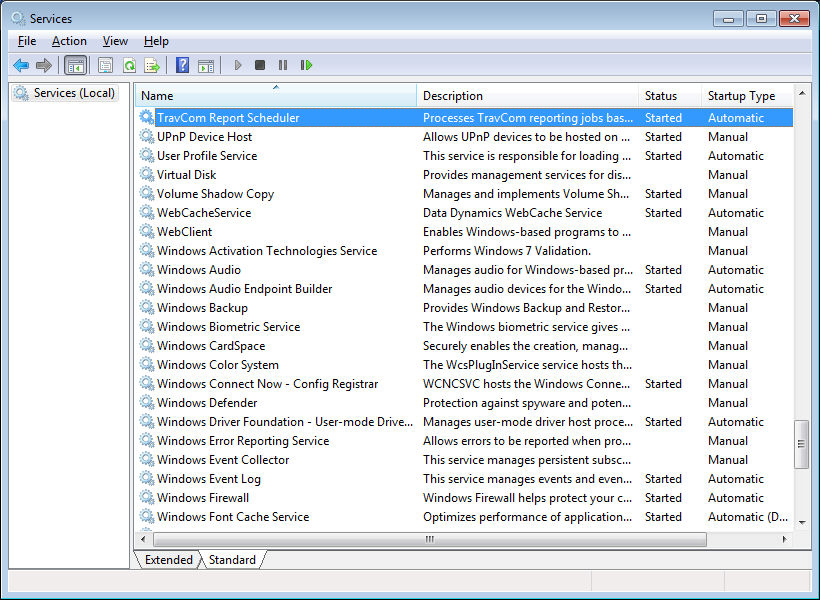
The TravCom Report Scheduler Service is automatically installed and started when you install the TravCom Report Scheduler program. For normal installations you do not need to have a thorough understanding of Windows Services. However, for more complex environments it might be necessary to have a System Administrator make changes or adjustments to the service depending on the environment.